
Quick Answer: A custom iGaming affiliate dashboard in Google Looker Studio is useful when your team needs one decision-ready view of clicks, registrations, first deposits, revenue and commissions. Build it around a stable source layer, documented definitions and access controls—not around a collection of copied spreadsheets.
- Start with a single affiliate and conversion data model.
- Keep raw event data separate from dashboard calculations.
- Use consistent filters for brand, market, partner, device and date.
- Reconcile dashboard totals against the tracker before acting on them.
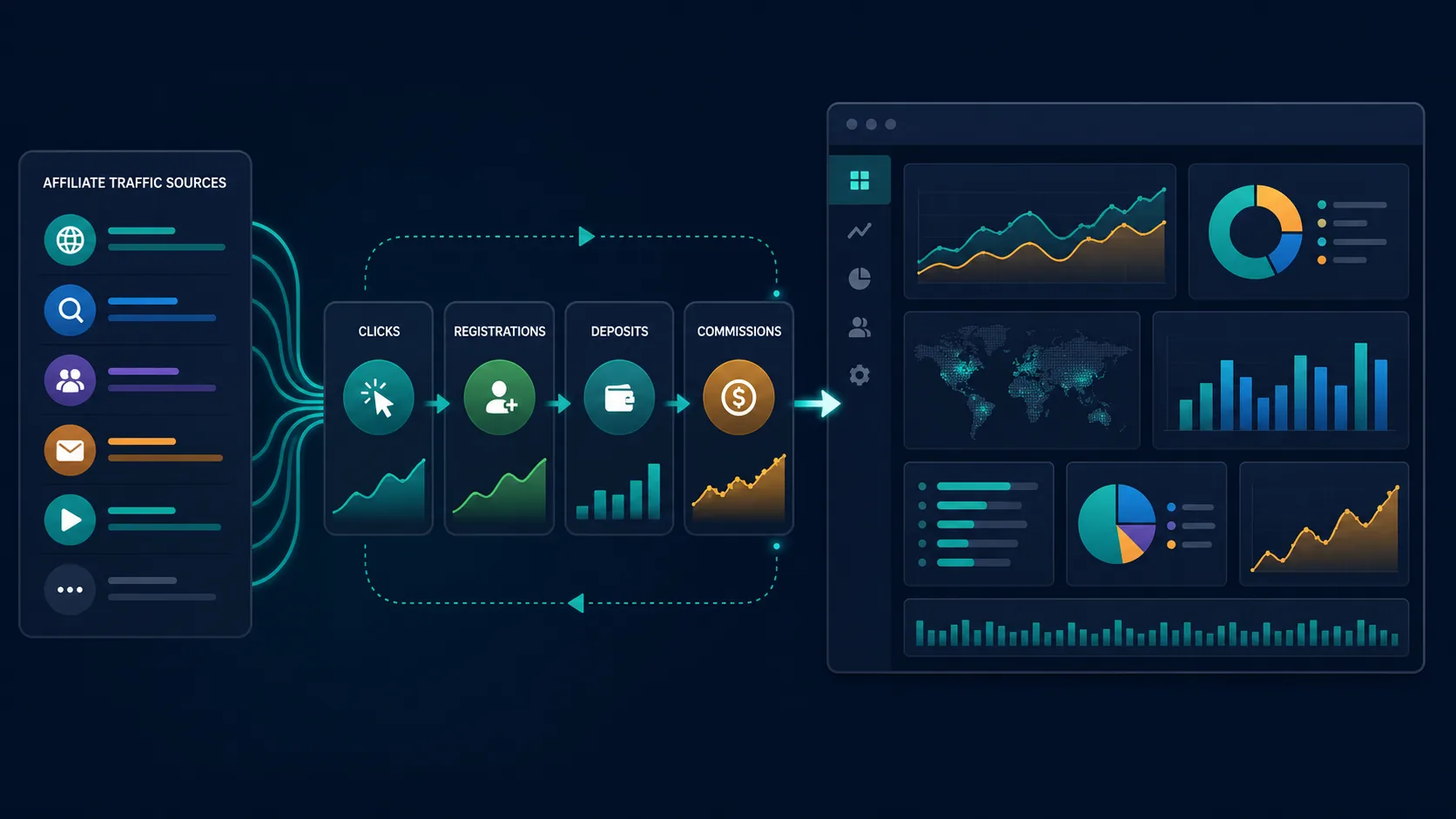
A custom iGaming affiliate dashboard gives operators and affiliate managers a shared operating picture. Google Looker Studio can turn data from a tracker export, warehouse, spreadsheet or API pipeline into a report that is easier to explore than a static weekly file. The hard part is not drawing charts. It is deciding what each metric means, preserving identifiers across systems and making sure a partner manager can trace a number back to an event.
What a custom iGaming affiliate dashboard should answer
The dashboard should answer three questions quickly: which traffic sources are producing valuable players, where the funnel is losing momentum, and which payments or commission decisions need attention. If a page only shows clicks and registrations, it is a traffic report—not a commercial control surface.
We recommend separating the report into four layers:
| Layer | Purpose | Typical fields |
|---|---|---|
| Acquisition | Show where visitors came from | Source, campaign, subID, click ID, device, country |
| Funnel | Show progression after the click | Registration, KYC start, first deposit, qualified player |
| Value | Show commercial quality | Net gaming revenue, deposits, chargebacks, CPA, revenue share |
| Controls | Show exceptions and data confidence | Missing IDs, duplicate events, delayed postbacks, unmatched records |
Key Definition: A custom iGaming affiliate dashboard is a reporting layer built for an operator’s own partner, traffic and conversion data model, with metrics and filters tailored to its commercial decisions.
Choose the data architecture before designing the report
Looker Studio is the presentation layer. It should not become the place where your team repairs broken attribution. A practical architecture is: tracker or affiliate platform, then a controlled export or connector, then a normalized table, then Looker Studio. The CRM can receive the same conversion events for segmentation and lifecycle work.
For a first version, a scheduled CSV or Google Sheet may be enough. For a growing program, use a warehouse or database table so that schema changes, deduplication and historical snapshots are controlled. Google’s documentation explains the product’s connector model and data-source permissions; link to the official documentation from the implementation record rather than treating a dashboard screenshot as evidence.
Keep an immutable event key wherever possible. A useful composite is brand + click_id + event_type + event_timestamp. If the affiliate platform sends a unique conversion ID, prefer it. Do not use player email as a reporting key: it creates privacy risk, makes matching brittle and can misrepresent multiple sessions.
Design the custom iGaming affiliate dashboard around decisions
We normally start with a top-level scorecard strip, a funnel view and a partner-quality table. Add trend charts only when the comparison has a decision attached to it. For example, a weekly first-deposit trend is useful when it is paired with a question such as “Which partners should receive a higher cap?”
| Dashboard area | Decision it supports | Useful visual |
|---|---|---|
| Partner overview | Which partners deserve attention today? | Ranked table with conditional formatting |
| Funnel health | Is the loss before or after registration? | Funnel or stage conversion bars |
| Geo and device | Where is experience or tracking failing? | Heatmap and device split |
| Commission control | What is payable, pending or disputed? | Balance table with status filter |
A common implementation mistake is mixing event time and settlement time. A first deposit may occur on Monday, while revenue-share approval arrives days later. Display both when finance and affiliate teams use the same report. Label them plainly as event date, approval date or payment date.
Core calculations to include
Use transparent formulas. A simple first-deposit rate is:
First-deposit rate = first-time depositors ÷ tracked registrations × 100
Illustrative example: if one partner has 1,200 tracked registrations and 96 first-time depositors, the rate is 8%. That is an example for explaining the calculation, not a benchmark or a claim about any market.
For commercial quality, calculate net value per click using a defined value window:
Net value per click = (net gaming revenue − approved bonuses − chargebacks − partner fees) ÷ valid clicks
Document whether “valid clicks” excludes bots, duplicates or clicks without a landing-page session. If definitions change, add a version note to the data source and preserve the prior period for comparison.
Implementation checklist for Looker Studio
- List every source system and its owner.
- Write a metric dictionary before building charts.
- Normalize country, brand, currency and date formats.
- Protect click IDs and player identifiers from unnecessary exposure.
- Build a reconciliation view for unmatched conversions.
- Test filters against a small, known sample.
- Set viewer and editor permissions deliberately.
- Document refresh timing and expected delays.
Operator Pro-Tip: Add a “data freshness” card that shows the latest successful source refresh and the latest event timestamp. A visually polished report can still lead a team astray if the feed stopped updating overnight.
Failure scenarios to test before launch
Test a missing click ID, a duplicate postback, a conversion with a late timestamp, a refunded deposit and a partner that changes its subID format. Also test a currency conversion edge case: if the source is in EUR and the report is displayed in USD, store the rate source and conversion date. Do not silently mix settlement currency with reporting currency.
Another edge case is access inheritance. A partner manager may need to see only assigned brands or markets, while a finance user needs settlement fields. Use separate data sources or row-level controls where appropriate, and review them after staff changes.
How our CRM fits alongside the dashboard
The report explains performance; a CRM helps the team act on it. When operators configure this workflow, we advise passing stable campaign and partner identifiers into the CRM so that high-value, inactive or unverified player segments can be connected to appropriate lifecycle actions. The dashboard should remain the source for reporting definitions, while our platform can coordinate operational follow-up.
Frequently asked questions
What is a custom iGaming affiliate dashboard?
Can Google Looker Studio connect to affiliate tracking data?
Which metrics belong on an iGaming affiliate dashboard?
How do you reconcile affiliate dashboard conversions?
Should an affiliate dashboard include player-level data?
A reliable custom iGaming affiliate dashboard gives affiliate, marketing and finance teams the same definitions and a clear path from a number to an event. When you are ready to connect reporting with player lifecycle operations, explore the AI-powered CRM for iGaming from NowG.